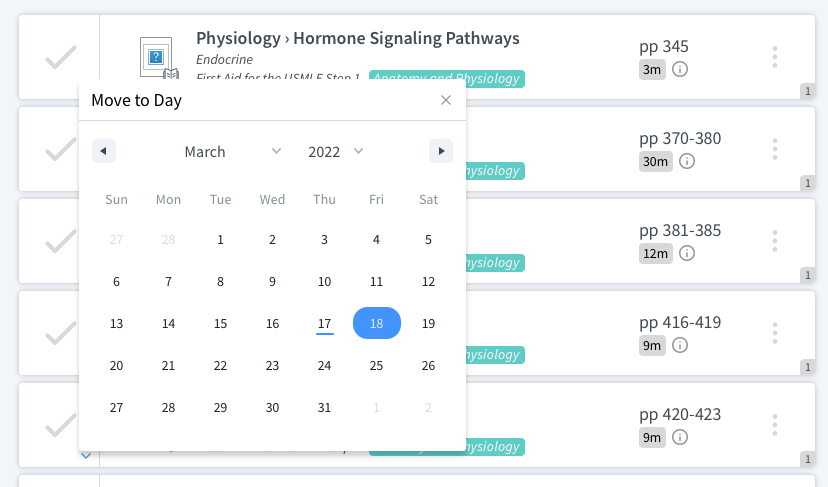

Many students have described our Med School Study Planner as a lifesaver for dedicated study, but you can also use it to see relevant boards material while you’re still taking classes.
Did you know that you can use Blueprint’s Med School Study Planner to schedule boards tasks for your courses? Lots of our customers have chosen to create M2 study plans that help them build familiarity with Step 1 topics and resources. To create a course schedule in the Med School Study Planner, follow these steps.
1. Send us your course documents.
If you have a PDF or Excel file that lists class event titles and dates, we can upload it to the Med School Study Planner for you! The process usually takes less than one week, and once your schedule is uploaded, you can see boards tasks and course events all in one place.
2. Add review tasks to your course.
The Med School Study Planner distinguishes between boards tasks and review tasks. Review tasks are meant to help you get ready for class exams, study for quizzes, or even prepare for lectures. With the Med School Study Planner, you can set recurring review tasks, like “Review slides 5 days before each exam” and “Complete recommended reading 1 day before each class lecture.”
3. Create subject-specific study blocks.
Even if you aren’t ready to create a dedicated study block, you can still set up Step 1 study blocks to supplement your coursework. We recommend creating study blocks whose dates run parallel to your course schedules. These study blocks may contain just the chapters and videos from Step 1 resources that match your courses subject.
For example, if you are taking a Microbiology course in February, you can add that course to Blueprint’s Med School Study Planner and then add a Step 1 study block that contains SketchyMicro. Your schedule would look something like this.
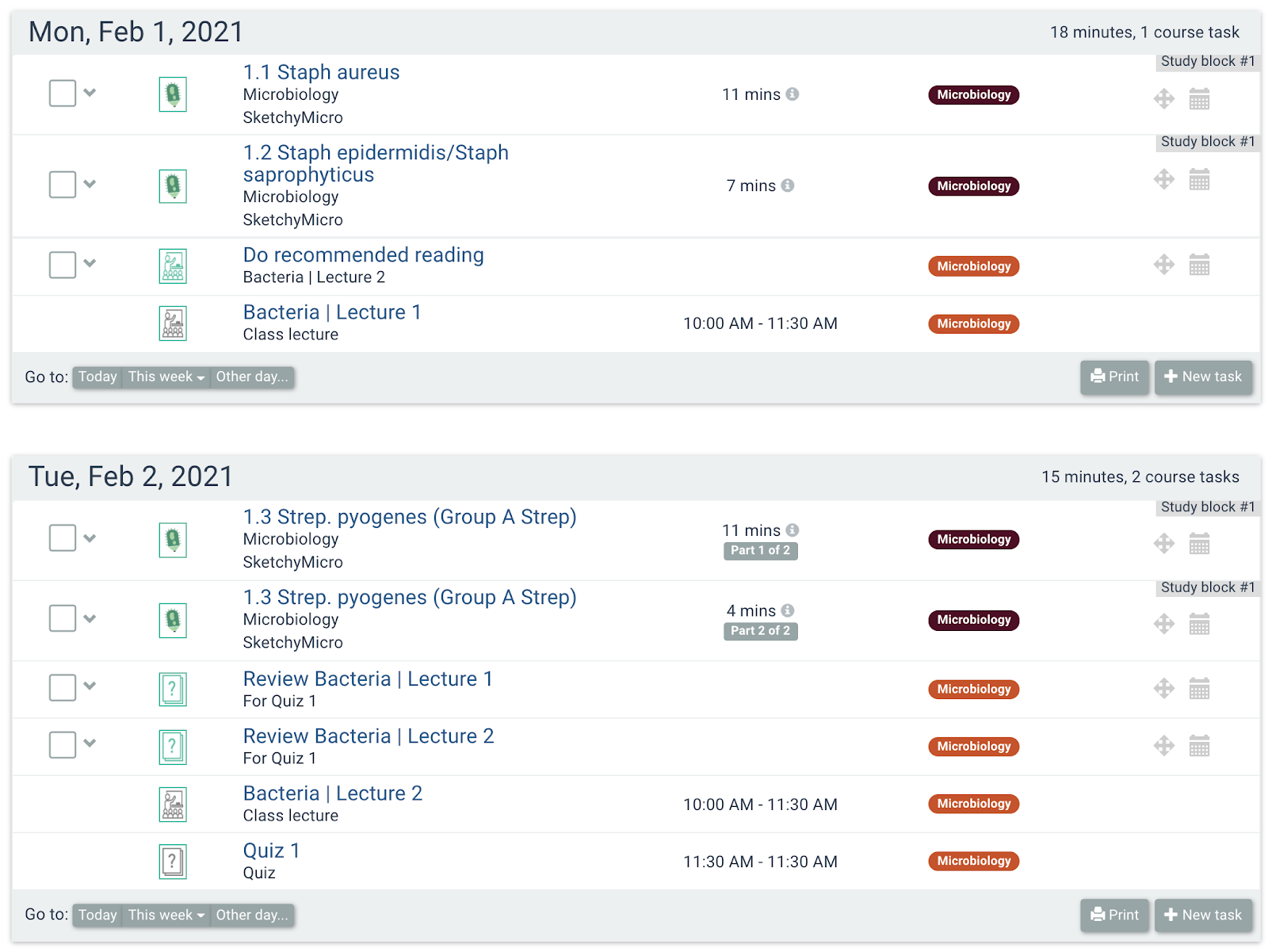
With these tools, you have tons of personalized options for using the Med School Study Planner for both M2 courses and Step 1 prep. Before you know it, you’ll be acquainting yourself with Step 1 material early, giving you an edge on the exam. You’ll also give yourself a new arrow in your quiver to conquer class exams by incorporating knowledge from time-tested Step 1 materials.
If you have any questions about creating a Step 1 or course schedule with the Med School Study Planner, email us at cramfighter@blueprintprep.com. To see how the Med School Study Planner helps med students for yourself, sign up at blueprintprep.com/medical/med-school/study-schedule.